Click to rate this post!
[Total: 0 Average: 0]
 If you are struggling with the new UI in Slack application, and you’re running it on Mac or Linux, you can switch it back (may work for the Windows app too, I think).
Thanks to this tweet from @QuinnyPig.
1. Exit from the running Slack instance
2. Open a terminal, and set the SLACK_DEVELOPER_MENU variable:
$ export SLACK_DEVELOPER_MENU=true
3. Run Slack from that terminal:
$ slack &
4. On the running Slack window, press Ctrl+Alt+I (Command + Option + I on Mac) to open the Developer Console:
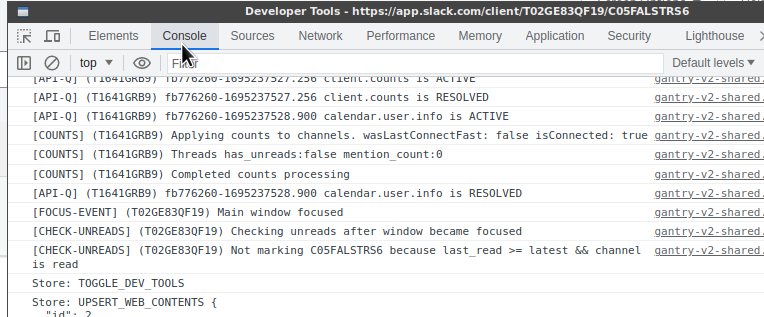
5. Run in the Console:
localStorage.setItem("localConfig_V2", localStorage.getItem("localConfig_V2").replace (/\"is_unified_user_client_enabled\":true/g, '\"is_unified_user_client_enabled\": false'))

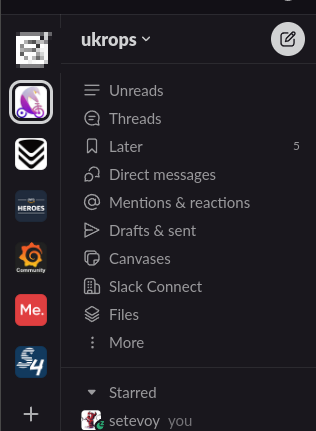
6. Go to the Slack window, and press Ctrl+R to reload it – and you’ll get your nice-looking Slack back again:
If the code above doesn’t work – try with the following:
localStorage.localConfig_v2 = localStorage.localConfig_v2.replace(/\"is_unified_user_client_enabled\":true/g, '\"is_unified_user_client_enabled\": false')
