 A lot of emails from various periodic tasks arrive in the root user’s local mailbox.
I previously wrote a bit about periodic scripts in FreeBSD: Home NAS, part 5 – ZFS pool, datasets, snapshots, and monitoring; now it’s time to set up email forwarding to an external address.
Since these emails arrive daily and reading mail locally is inconvenient:
# mail -u root -H
Mail version 8.1 6/6/93.  Type ? for help.
"/var/mail/root": 58 messages 58 unread
...
 U 57 root@setevoy-nas      Sun Feb  8 03:19  46/1300  "setevoy-nas daily security run output"
 U 58 root@setevoy-nas      Sun Feb  8 03:19  99/3444  "setevoy-nas daily run output"
To receive them in an external inbox, we need to add a Mail Transport Agent (MTA) that will handle sending to the specified address.
Contents
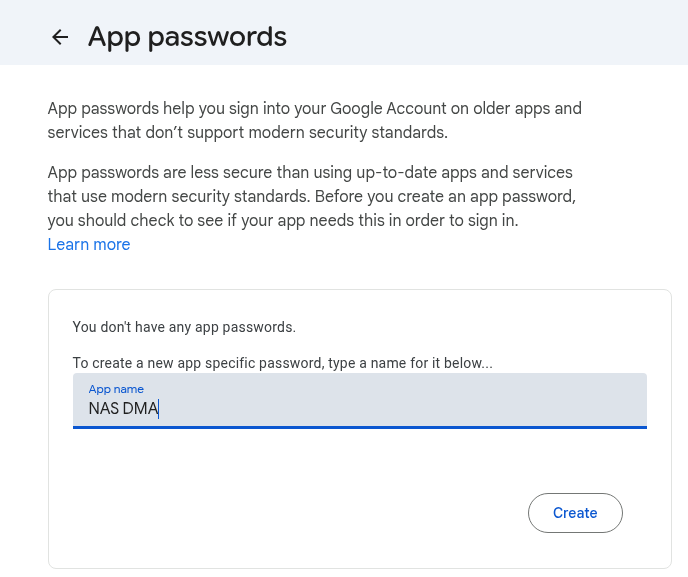
Creating Google Mail App Passwords
If 2FA is enabled, use Google Mail App Passwords.
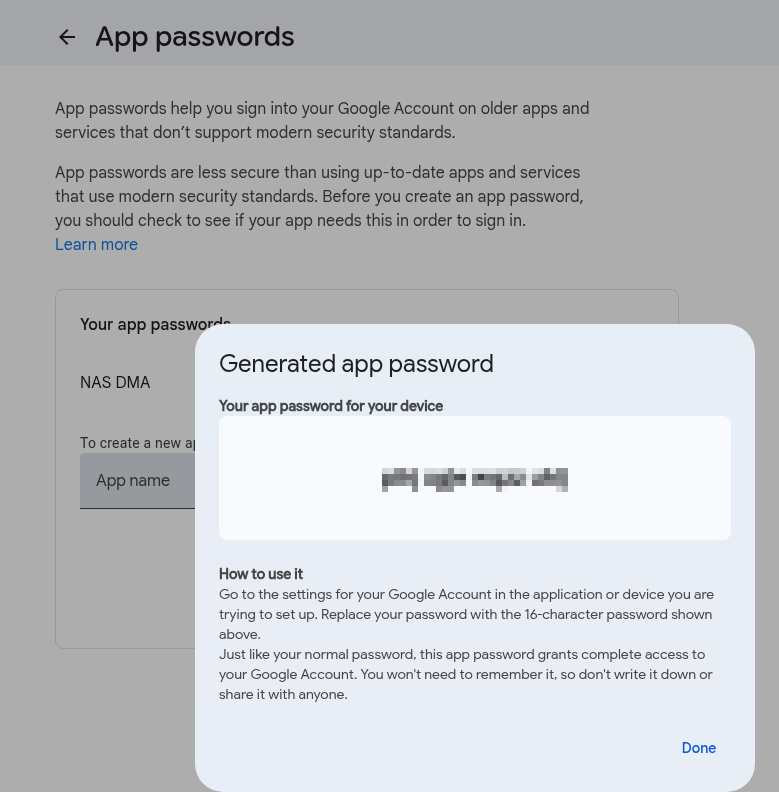
The password will be displayed with spaces – remove them in the DMA configuration:
Configuring DragonFly Mail Agent
Documentation – DragonFly Mail Agent (DMA) (FreeBSD Handbook) and DMA (Arch Linux Wiki).
Install DMA:
# pkg install dma
Edit the /etc/dma/dma.conf file:
SMARTHOST smtp.gmail.com
PORT 587

# SMTP authentication
AUTHPATH /etc/dma/auth.conf

SECURETRANSFER
STARTTLS

MASQUERADE [email protected]
Edit /etc/dma/auth.conf – provide the login, host, and the App password created earlier (without spaces):
[email protected]|smtp.gmail.com:mpd***sra
Set access permissions using the mail group:
# chown root:mail /etc/dma/auth.conf
# chmod 640 /etc/dma/auth.conf
Test sending to a standard address:
# echo "dma alias test" | mail [email protected]
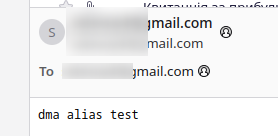
And you should receive the email:
However, if you send to the root user now, the email will fail with the error “The recipient address <root> is not a valid RFC 5321 address“.
Add an alias for the root to /etc/aliases:
...
root: [email protected]
...
Test it:
# echo "dma alias test" | mail root
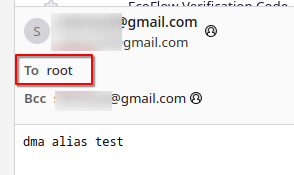
And you should receive the email with “To: root“:
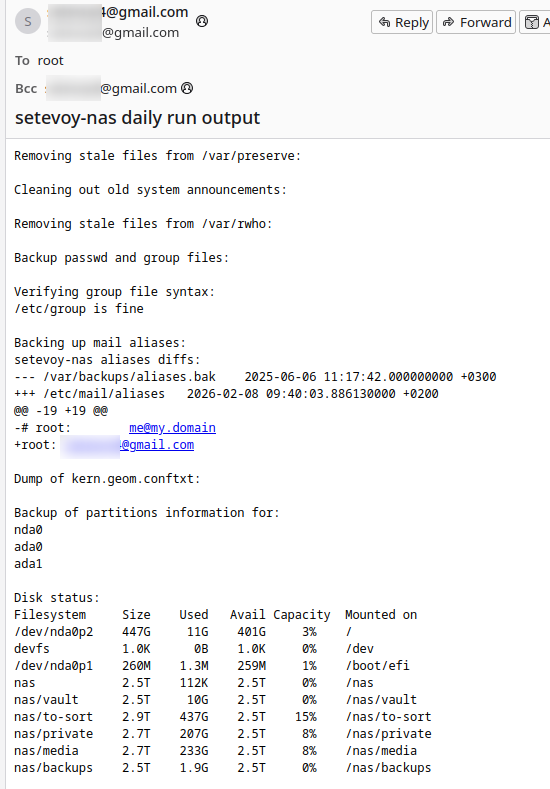
Finally, you can test by running all periodic tasks:
# periodic daily
And you will receive the emails:

Done.
