 Problems with upgrades on Arch Linux are very rare, and a situation like today’s is a first for me in nearly 10 years of using the system.
So, what happened:
- installed upgrades with
pacman -Syu - after installation,
sudo rebootwould hang - managed to reboot only with
sudo reboot -f(force) - after the reboot – X.Org started, SDDM started, Plasma started – but everything on the desktop froze and wouldn’t react to the keyboard or mouse
Some kind of madness 🙂
I managed to fix it, although I still don’t fully understand what exactly crashed and why.
Contents
Problem #1: sudo reboot and “Failed to connect to system scope bus via local transport”
This was actually the first warning sign.
In the logs, when executing sudo reboot, a message appeared:
...
Call to Reboot failed: Connection timed out
Failed to connect to system scope bus via local transport: Connection refused
...
Clearly a problem with D-Bus/systemd, and that’s why sudo reboot -f (or sudo shutdown -r now, one of the two worked) helped, because in this case systemd does not try to coordinate the shutdown via the system bus and directly calls a forced restart.
Okay – we rebooted, and then the second – and most interesting – problem arose.
KDE Plasma “frozen” after upgrade and reboot
I put “Plasma frozen” in quotes because the problem wasn’t actually in it – but that’s where it manifested.
So, I rebooted, logged in, the desktop and services started:
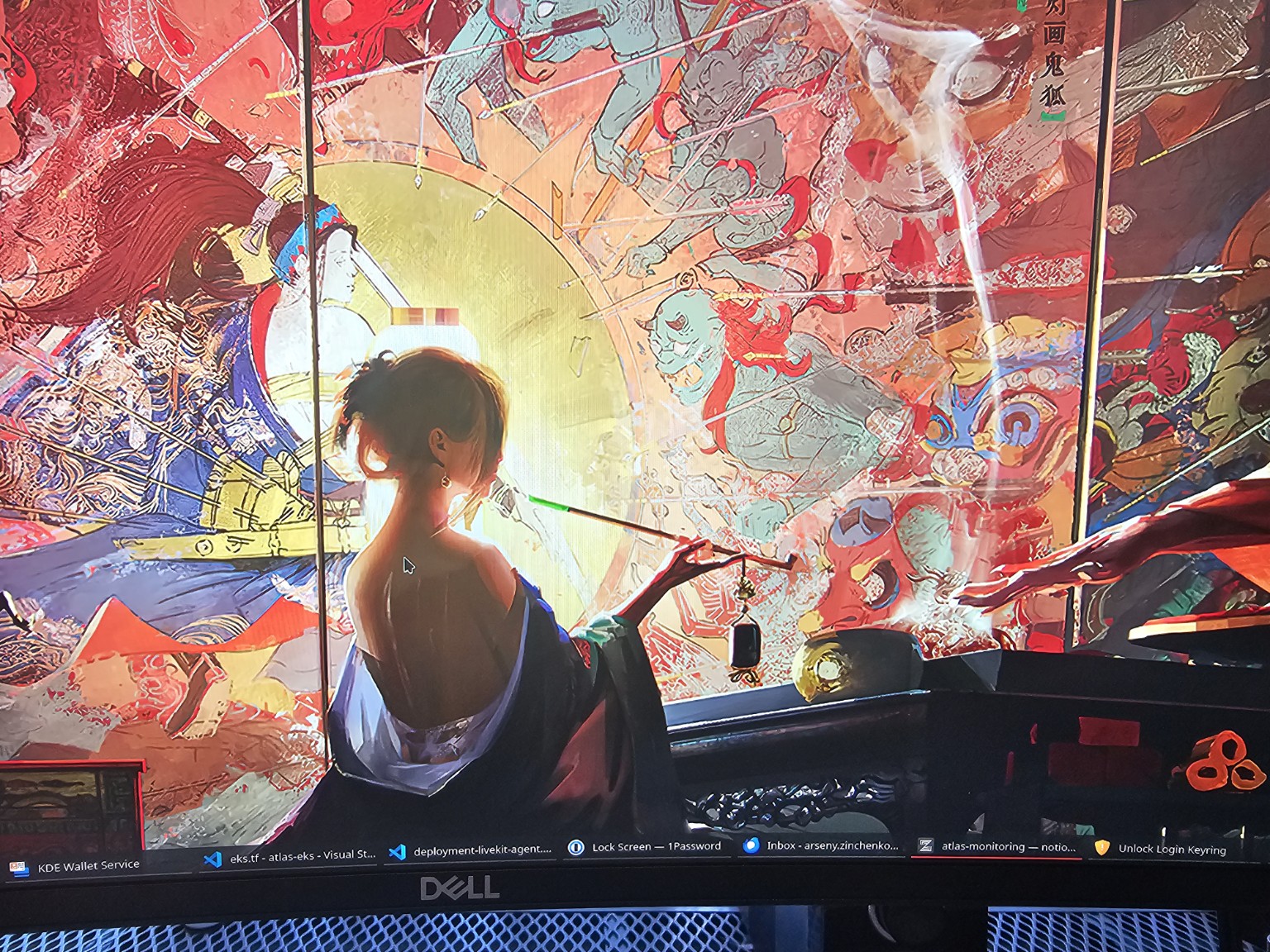 But that was it.
No reaction to the keyboard or mouse.
The first suspicion was a problem with KDE Wallet or GNOME Keyring – because it looked like the hang occurred after they started.
At the same time, SSH was working, and I was able to connect from another laptop to debug and fix it.
Fix attempt #1: cleaning Plasma and kwalletd
The first fix attempt – remove everything related to Plasma and KWallet:
$ mv .cache/ .cache.bak
$ mv .config/kwalletrc .config/kwalletrc.bak
$ mkdir .config/plasma-bak
$ mv .config/plasma* .config/plasma-bak/
$ mv .local/share/kwalletd/ .local/share/kwalletd.bak
$ sudo reboot
But after rebooting and logging in, the system still hangs and doesn’t react.
Fix attempt #2: launching clean X11
Next, I tried logging in with clean X11 instead of Plasma – installed it via SSH:
$ sudo pacman -S --needed xorg-server xorg-xinit xterm
Although xorg-server and xorg-xinit were already there, since I’m on X11 and not the buggy Wayland.
Then I killed the current session via SSH:
$ sudo systemctl stop sddm
On the laptop, I entered the console via Alt + F2 (by the way… strange that this worked, but okay), and ran startx.
X11 and xterm loaded – and immediately everything stopped reacting to the keyboard-mouse again.
…
Nice… 🙂
This means the problem occurs not at the Plasma level or a specific desktop environment, but lower – at the level of the kernel, systemd, input stack, and their initialization.
Fix attempt #3: pacman.log and “Failed to connect to system scope bus via local transport: Connection refused”
Okay, I went to check the pacman log, and there was something interesting here:
[2025-12-29T09:33:25+0200] [PACMAN] Running 'pacman -Syu --noconfirm'
[2025-12-29T09:33:25+0200] [PACMAN] synchronizing package lists
[2025-12-29T09:33:28+0200] [PACMAN] starting full system upgrade
...
[2025-12-29T09:33:49+0200] [ALPM] upgraded systemd (258.3-1 -> 259-1)
[2025-12-29T09:33:49+0200] [ALPM-SCRIPTLET] Creating group 'empower' with GID 946.
[2025-12-29T09:35:20+0200] [ALPM-SCRIPTLET] Failed to connect to system scope bus via local transport: Connection refused
[2025-12-29T09:35:20+0200] [ALPM-SCRIPTLET] Failed to connect to system scope bus via local transport: Connection refused
[2025-12-29T09:35:20+0200] [ALPM-SCRIPTLET] :: This is a systemd feature update. You may want to have a look at
[2025-12-29T09:35:20+0200] [ALPM-SCRIPTLET]    NEWS for what changed, or if you observe unexpected behavior:
[2025-12-29T09:35:20+0200] [ALPM-SCRIPTLET]      /usr/share/doc/systemd/NEWS
[2025-12-29T09:35:20+0200] [ALPM] upgraded polkit (126-2 -> 127-2)
[2025-12-29T09:35:20+0200] [ALPM-SCRIPTLET] Failed to connect to system scope bus via local transport: Connection refused
...
[2025-12-29T09:35:26+0200] [ALPM] running '30-systemd-catalog.hook'...
[2025-12-29T09:35:26+0200] [ALPM] running '30-systemd-daemon-reload-system.hook'...
[2025-12-29T09:35:26+0200] [ALPM-SCRIPTLET] Failed to connect to system scope bus via local transport: Connection refused
[2025-12-29T09:35:26+0200] [ALPM] running '30-systemd-daemon-reload-user.hook'...
[2025-12-29T09:35:27+0200] [ALPM-SCRIPTLET] Failed to connect to system scope bus via local transport: Connection refused
[2025-12-29T09:35:27+0200] [ALPM] running '30-systemd-hwdb.hook'...
[2025-12-29T09:35:27+0200] [ALPM] running '30-systemd-restart-marked.hook'...
[2025-12-29T09:35:27+0200] [ALPM-SCRIPTLET] Failed to connect to system scope bus via local transport: Connection refused
....
[2025-12-29T09:35:30+0200] [ALPM-SCRIPTLET] ==> Building image from preset: /etc/mkinitcpio.d/linux.preset: 'default'
[2025-12-29T09:35:30+0200] [ALPM-SCRIPTLET] ==> Using default configuration file: '/etc/mkinitcpio.conf'
[2025-12-29T09:35:30+0200] [ALPM-SCRIPTLET]   -> -k /boot/vmlinuz-linux -g /boot/initramfs-linux.img
...
[2025-12-29T09:35:33+0200] [ALPM-SCRIPTLET] ==> Creating zstd-compressed initcpio image: '/boot/initramfs-linux.img'
[2025-12-29T09:35:33+0200] [ALPM-SCRIPTLET]   -> Early uncompressed CPIO image generation successful
[2025-12-29T09:35:33+0200] [ALPM-SCRIPTLET] ==> Initcpio image generation successful
[2025-12-29T09:35:33+0200] [ALPM] running 'dbus-reload.hook'...
[2025-12-29T09:35:33+0200] [ALPM-SCRIPTLET] Failed to connect to system scope bus via local transport: Connection refused
...
And we recall the first problem – that a normal reboot didn’t work with that same error of connecting to the system bus (via /run/dbus/system_bus_socket).
The system was unable to execute all hooks, and as a result, after the restart, part of the system services hung.
Most likely, this affected components that depend on udev, logind, and the input stack. Consequently, X.Org and the display manager started, but the input devices (keyboard/mouse) ended up in an inconsistent state, without correct event processing.
Final fix: installing the linux-lts kernel (but it’s not about LTS)
I had a suspicion that the problem was in the kernel and Intel drivers, so I decided to try installing the LTS kernel:
$ pacman -S linux-lts linux-lts-header
Actually, after the installation, I forgot to run grub-mkconfig, so the new kernel did not appear in the GRUB “Advanced options for Arch Linux” menu, and I simply booted with the old one.
But… precisely after this, everything started working.
Why – because during the LTS installation, all hooks were re-run. The first update occurred at the moment of the systemd and D-Bus update, while the second one took place in a already stable systemd environment:
...
[2025-12-29T10:40:15+0200] [PACMAN] Running 'pacman -S linux-lts linux-lts-headers'
[2025-12-29T10:40:21+0200] [ALPM] transaction started
[2025-12-29T10:40:21+0200] [ALPM] installed linux-lts (6.12.63-1)
[2025-12-29T10:40:21+0200] [ALPM] installed pahole (1:1.31-1)
[2025-12-29T10:40:21+0200] [ALPM] installed linux-lts-headers (6.12.63-1)
[2025-12-29T10:40:21+0200] [ALPM] transaction completed
[2025-12-29T10:40:22+0200] [ALPM] running '30-systemd-update.hook'...
[2025-12-29T10:40:22+0200] [ALPM] running '60-depmod.hook'...
[2025-12-29T10:40:23+0200] [ALPM] running '90-mkinitcpio-install.hook'...
[2025-12-29T10:40:23+0200] [ALPM-SCRIPTLET] ==> Building image from preset: /etc/mkinitcpio.d/linux-lts.preset: 'default'
[2025-12-29T10:40:23+0200] [ALPM-SCRIPTLET] ==> Using default configuration file: '/etc/mkinitcpio.conf'
[2025-12-29T10:40:23+0200] [ALPM-SCRIPTLET]   -> -k /boot/vmlinuz-linux-lts -g /boot/initramfs-linux-lts.img
[2025-12-29T10:40:23+0200] [ALPM-SCRIPTLET] ==> Starting build: '6.12.63-1-lts'
[2025-12-29T10:40:23+0200] [ALPM-SCRIPTLET]   -> Running build hook: [base]
[2025-12-29T10:40:23+0200] [ALPM-SCRIPTLET]   -> Running build hook: [udev]
[2025-12-29T10:40:23+0200] [ALPM-SCRIPTLET]   -> Running build hook: [autodetect]
[2025-12-29T10:40:23+0200] [ALPM-SCRIPTLET]   -> Running build hook: [microcode]
[2025-12-29T10:40:23+0200] [ALPM-SCRIPTLET]   -> Running build hook: [modconf]
[2025-12-29T10:40:23+0200] [ALPM-SCRIPTLET]   -> Running build hook: [kms]
[2025-12-29T10:40:24+0200] [ALPM-SCRIPTLET]   -> Running build hook: [keyboard]
[2025-12-29T10:40:24+0200] [ALPM-SCRIPTLET]   -> Running build hook: [keymap]
[2025-12-29T10:40:24+0200] [ALPM-SCRIPTLET]   -> Running build hook: [consolefont]
[2025-12-29T10:40:24+0200] [ALPM-SCRIPTLET] ==> WARNING: consolefont: no font found in configuration
[2025-12-29T10:40:24+0200] [ALPM-SCRIPTLET]   -> Running build hook: [block]
[2025-12-29T10:40:25+0200] [ALPM-SCRIPTLET]   -> Running build hook: [encrypt]
[2025-12-29T10:40:26+0200] [ALPM-SCRIPTLET]   -> Running build hook: [resume]
[2025-12-29T10:40:26+0200] [ALPM-SCRIPTLET]   -> Running build hook: [filesystems]
[2025-12-29T10:40:26+0200] [ALPM-SCRIPTLET]   -> Running build hook: [fsck]
[2025-12-29T10:40:26+0200] [ALPM-SCRIPTLET] ==> Generating module dependencies
[2025-12-29T10:40:26+0200] [ALPM-SCRIPTLET] ==> Creating zstd-compressed initcpio image: '/boot/initramfs-linux-lts.img'
[2025-12-29T10:40:26+0200] [ALPM-SCRIPTLET]   -> Early uncompressed CPIO image generation successful
[2025-12-29T10:40:26+0200] [ALPM-SCRIPTLET] ==> Initcpio image generation successful
...
And after this, the system started working normally.
In short – a classic example of the non-obvious “magic” of systemd, D-Bus, and system hooks during an upgrade.
Lessons learned
- if systemd/dbus errors appear during
pacman -Syu, they should not be ignored – but I’m used to upgrades passing without issues, and didn’t look at thepacmanoutput in the console, immediately starting to reboot the machine - a GUI freeze doesn’t always mean a problem in the Desktop Environment or Wayland/X11
- re-running system hooks in a stable environment can completely fix the system
